Batch Image To PDF1.2
Continue to app
Free Version
Publisher Description
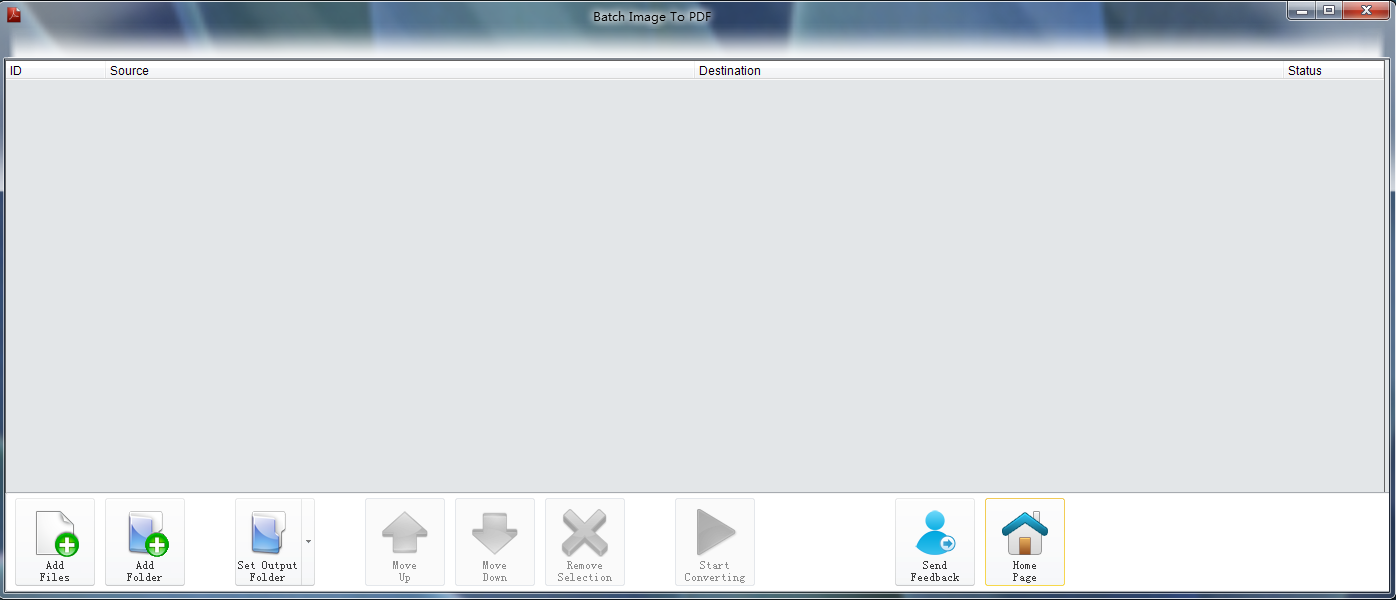
Batch Image To PDF is a user friendly tool for image to PDF files conversion. Users will already be familiar with the Microsoft Office 2010 layout. Our program offers time saving batch file processing for handling large numbers of files easily.
The supported formats for image conversion are: .JPG, .PNG, .GIF, .BMP, .ICON, .WMF, .EMF, .EXIFL, .TIFF.
About Batch Image To PDF
Batch Image To PDF is a free software published in the Office Suites & Tools list of programs, part of Business.
This Office Suites & Tools program is available in English. It was last updated on 29 September, 2026. Batch Image To PDF is compatible with the following operating systems: Windows.
The company that develops Batch Image To PDF is Dreamify. The latest version released by its developer is 1.2. This version was rated by 5 users of our site and has an average rating of 3.2.
The download we have available for Batch Image To PDF has a file size of 2.1 MB. Just click the green Download button above to start the downloading process. The program is listed on our website since 2011-02-22 and was downloaded 245 times. We have already checked if the download link is safe, however for your own protection we recommend that you scan the downloaded software with your antivirus. Your antivirus may detect the Batch Image To PDF as malware if the download link is broken.
How to install Batch Image To PDF on your Windows device:
This Office Suites & Tools program is available in English. It was last updated on 29 September, 2026. Batch Image To PDF is compatible with the following operating systems: Windows.
The company that develops Batch Image To PDF is Dreamify. The latest version released by its developer is 1.2. This version was rated by 5 users of our site and has an average rating of 3.2.
The download we have available for Batch Image To PDF has a file size of 2.1 MB. Just click the green Download button above to start the downloading process. The program is listed on our website since 2011-02-22 and was downloaded 245 times. We have already checked if the download link is safe, however for your own protection we recommend that you scan the downloaded software with your antivirus. Your antivirus may detect the Batch Image To PDF as malware if the download link is broken.
How to install Batch Image To PDF on your Windows device:
- Click on the Download button on our website. This will start the download from the website of the developer.
- Once the Batch Image To PDF is downloaded click on it to start the setup process (assuming you are on a desktop computer).
- When the installation is finished you should be able to see and run the program.
Program Details
System requirements
Operating systems
Win7 x32,Win7 x64,WinVista,WinVista x64,WinXP
Download information
File size
2.1 MB
Total downloads
245
Pricing
License model
Free
Price
Version History
Here you can find the changelog of Batch Image To PDF since it was posted on our website on 2015-04-24. The latest version is 1.2 and it was updated on Soft112 on 29 September, 2026. See below the changes in each version:
